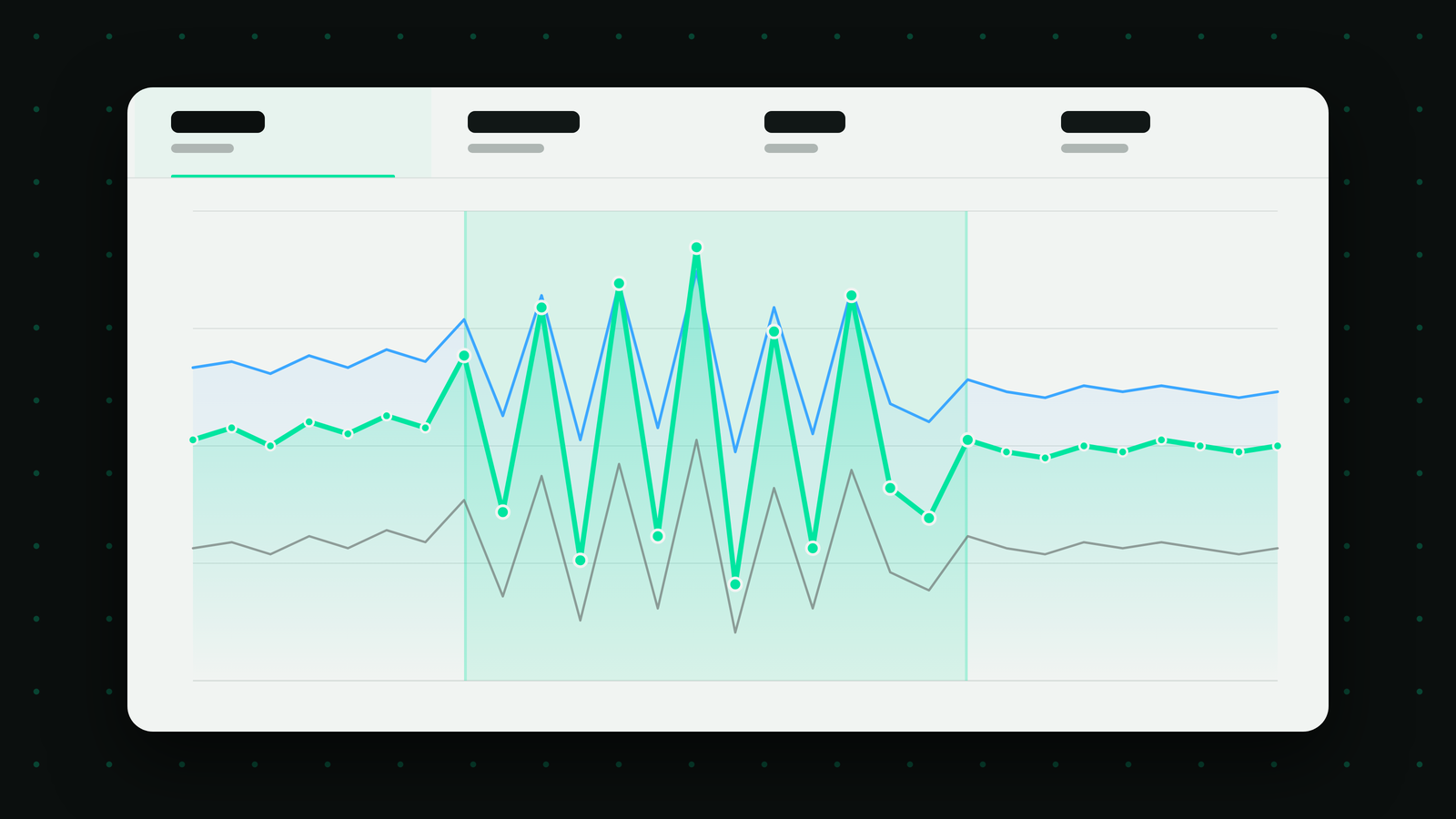
 The days of a rollout tend to look noisy, and the calmer stretch after it ends gives you a fairer picture.
Google released its November 2026 core update on 10 November, and its Search Status Dashboard said the rollout could take up to two weeks. The dashboard marked the rollout complete on 24 November. If you run a small business and opened Search Console during that fortnight, your chart probably looked jumpy, with some days dipping and a few climbing for no clear reason. This guide explains how to read those numbers after a Google core update, and how long to wait before you decide to rewrite a page.
What did Google release on 10 November?
It was Google's third core update of 2026, after the March and May updates. Google describes a core update as a broad change to its search algorithms and systems, and it makes several of them a year. It announced this one on the Search Status Dashboard, where it said the update applies globally and to all languages. Google also posted about it on LinkedIn, in words Search Engine Land (https://searchengineland.com/google-november-2026-core-update-rolling-out-now-501348) reported on the day.
"Today we released the November 2026 core update to Google Search. This is a regular update designed to better surface relevant, satisfying content for searchers from all types of sites. The rollout may take up to 2 weeks to complete."
So Google itself expected results to keep rising and falling through the rollout. Its guide to core updates (https://developers.google.com/search/docs/appearance/core-updates) adds that these updates are broad in nature and don't target specific sites or individual pages. A page that slipped can still be a good page. Google compares it to updating a list of your favourite restaurants after a few new ones open nearby.
Which numbers in Search Console should you look at?
To see how the update touched your site, open the Performance report, which shows four numbers above the chart. Clicks count the times a person clicked through to your site from Google Search results. Impressions count the times your site appeared in those results. CTR, the click through rate, is your clicks divided by your impressions. And average position tells you where your highest result sat on the results page, on average, so a lower number means you appeared nearer the top.
The four make the most sense read side by side. Google's guide to traffic drops (https://developers.google.com/search/docs/monitor-debug/debugging-search-traffic-drops) gives a useful pairing. When impressions and clicks fall together, your pages are appearing in fewer searches. When impressions stay level and clicks fall, people still see you and pick a different result, and Google suggests looking again at your page titles and snippets.
Why do the rollout weeks look so messy?
That pairing helps more after the numbers settle, though. During a core update Google is updating its systems across Search, so a page can rise one day and slip the next. A daily chart from the rollout mostly shows that noise.
Google's own advice is to confirm on the Search Status Dashboard that the rollout has finished, and then wait at least a full week after it completes before you analyse your site in Search Console. The newest figures in the report can also be preliminary. Google marks those with a dotted line on the chart, and they may still update over the next few hours.
So give the report those seven days and leave it alone.
How do you compare before and after?
After those seven days, the comparison Google suggests is simple. Compare a week after the update with a week before the rollout began, which for this update means early November, ahead of the 10th. The date filter in the Performance report has a Compare tab for this, and the table below the chart then adds a Difference column to each row.
Weekly figures help too. Google's help page on filtering and comparison (https://support.google.com/webmasters/answer/17011165) explains that weekly or monthly views even out the day of the week effect, so you avoid setting a busy Monday against a quiet Saturday. And if your business is seasonal, the last 16 months view shows whether a November dip appears every year. A dip that lines up with last November points to the season more than the update.
Which pages and searches lost ground?
The totals give you the headline, and the Pages tab shows you where it came from. Keep your comparison on, open Pages under the chart and sort by Clicks Difference. Google suggests this to see whether a drop covers the whole site, a group of pages or one important page. The Queries tab does the same job for the words people typed into Google, and you can click any row in either table to filter the report by it.
One quirk is worth knowing. Search Console leaves rare searches out of its tables to protect people's privacy, and Google calls these anonymized queries. They still count in the chart totals until you filter by query, so a filtered total can look smaller than the main chart without any loss on your side.
How big a drop deserves a rewrite?
Some of those rows will show a page slipping a place or two, and Google is calm about that. Its traffic drop guide says small changes in position can happen at any time, and a page can climb back without you doing a thing. If a page already performs well, Google recommends avoiding radical edits to it.
Google saves its deeper review for pages that fall out of the top results across a wide range of searches. Its example of a large drop is a page going from position 4 to position 29. For a fall like that, it asks you to assess the whole site with its self assessment questions on helpful, reliable content written for people (https://developers.google.com/search/docs/fundamentals/creating-helpful-content). It also warns against quick fixes, like removing a page element because you heard it was bad for SEO, and it treats deleting content as a last resort.
How long does a recovery take?
And if you do rewrite pages, expect to wait. Google says some improvements take effect in a few days, while others can take several months for its systems to confirm. It also says that if a few months pass with no effect, you may be waiting for the next core update. Google releases smaller core updates it never announces as well, and those can lift a page that has improved.
Your clearest read comes from the calm days after the dashboard marks the rollout complete, set against early November, page by page.
Want a second pair of eyes on your numbers?
If your report still looks off after all that, we're happy to sit down with you and go through it. At Markazer, people lead the strategy and own the results, and AI helps us deliver quickly. You can see how we help on our services page or email us at hello@markazer.com.